Can You E-Sign a Power of Attorney? Legal Insights
Discover if electronic signatures are permissible for Power of Attorney documents. This post explores the legal landscape and practical considerations for digital POA execution.
Discover if electronic signatures are permissible for Power of Attorney documents. This post explores the legal landscape and practical considerations for digital POA execution.
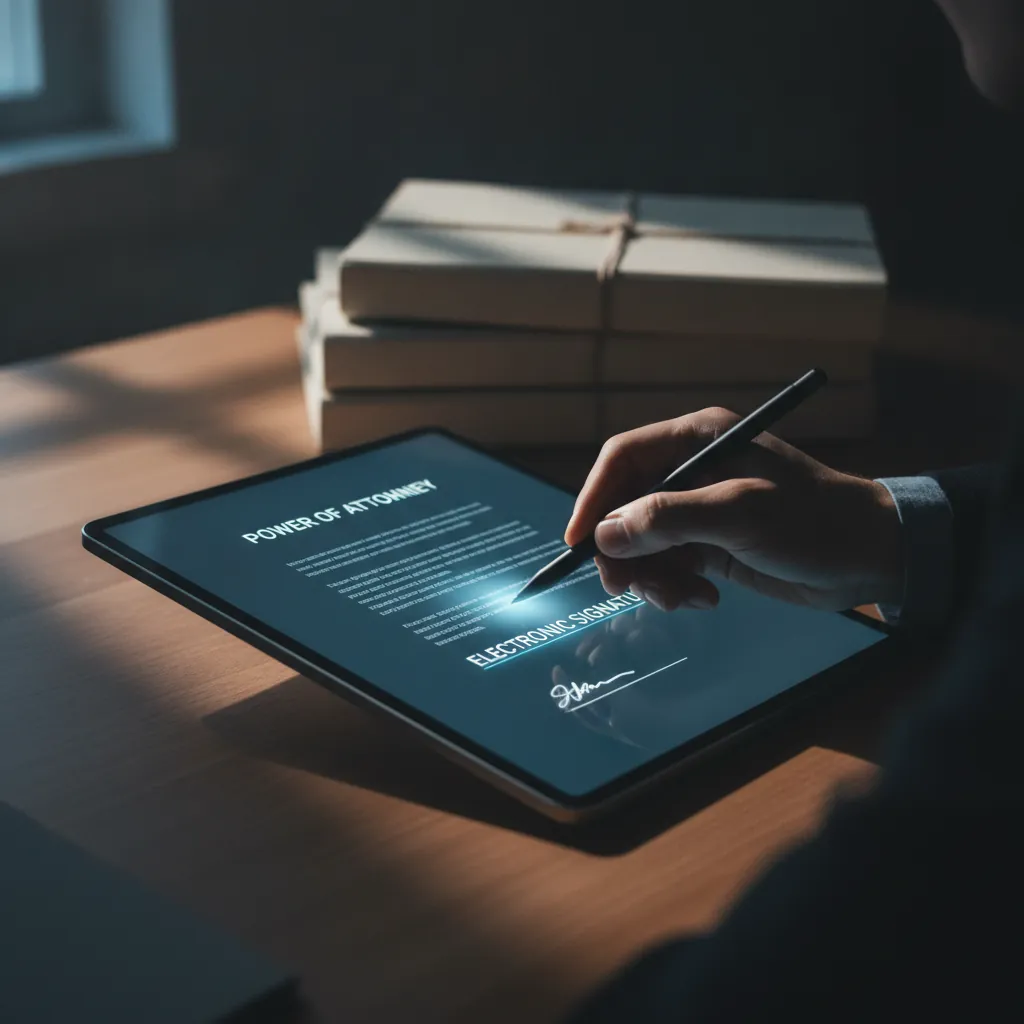
When you run your own show, whether you are a photographer, a contractor, a landlord, or a freelancer, paperwork is a constant. You are always signing contracts, invoices, and agreements. Sometimes, you need to grant someone else the authority to act on your behalf. This is where a Power of Attorney, or POA, comes in. Historically, this meant stacks of paper, wet signatures, and trips to the post office. But in our digital world, a common question arises: can you e-sign a Power of Attorney?
The short answer is often yes, but with important considerations. The legal landscape has shifted, embracing digital signatures for many types of documents. For solo operators and small teams, understanding these rules can save time, money, and a lot of hassle. Let's break down how e-signatures fit into the world of POAs.
Life and business can be unpredictable. There are times when you simply cannot be present to handle certain matters yourself. Maybe you are traveling for a photography gig, overseeing a construction project out of state, or managing rental properties from afar. Perhaps you are a freelancer with a medical emergency. In these situations, a Power of Attorney becomes a practical tool.
A POA is a legal document that gives one person, the "agent" or "attorney-in-fact," the authority to act for another person, the "principal," in specific matters. This authority can be broad or limited. For a small business owner, it might mean authorizing someone to:
Traditionally, drafting and signing a POA involved printing documents, meeting in person for signatures, and sometimes finding a notary public. This process can be slow and inconvenient, especially when time is of the essence or if the parties are geographically separated. The idea of using an e-signature to speed this up is appealing, but the legalities need a closer look.
Generally speaking, yes, you can e-sign a Power of Attorney. The federal Electronic Signatures in Global and National Commerce (ESIGN) Act, passed in 2000, and the Uniform Electronic Transactions Act (UETA), adopted by 49 U.S. States, the District of Columbia, Puerto Rico, and the U.S. Virgin Islands, give electronic signatures the same legal weight as traditional wet signatures for most transactions.
These acts establish that a contract or record cannot be denied legal effect or enforceability solely because it is in electronic form or because an electronic signature was used. For an e-signature to be valid under ESIGN and UETA, four main criteria typically apply:
However, there are exceptions. Both ESIGN and UETA specifically exclude certain types of documents from electronic signature validity, such as wills, codicils, and some family law documents. While POAs are generally not on this excluded list, some states may have specific statutes that require a "wet" signature or particular witnessing requirements for certain types of POAs, especially those dealing with real estate or healthcare. Always check the specific laws of the state where the POA will be used or where the principal resides.
For an e-signed POA to be legally sound, the electronic signature platform you use must create a reliable audit trail. This audit trail is the digital proof that connects the signature to the signer and the document. It is what gives your e-signature legal standing and helps prevent disputes.
A strong e-signature audit trail typically includes several pieces of information:
Platforms like vouch.ink provide this kind of hash-chained, ESIGN/UETA-compliant audit trail on every plan. This means every e-signature you collect comes with a verifiable record that shows who signed, when they signed, and that the document itself remains unchanged from the moment of signing. This level of detail is critical for any legal document, especially one as important as a Power of Attorney. It provides peace of mind that your digital records are as valid and defensible as their paper counterparts.
While the e-signature itself is generally valid, many Power of Attorney documents require more than just the principal's signature. Depending on the state and the type of POA, you might need witnesses or a notary public to be present during the signing. This is where e-signing a POA can become more complex.
The good news is that technology and law are catching up. Many states now permit Remote Online Notarization (RON). With RON, a notary public can perform a notarization remotely using audio-visual technology. The notary identifies the signer through various methods, watches them sign electronically, and then applies their electronic seal and signature. Similarly, some states have enacted temporary or permanent laws allowing for remote witnessing, often using similar audio-visual technology.
However, these remote options are not universally accepted across all states or for all types of POAs. The rules for RON and remote witnessing can vary significantly from state to state, including specific technology requirements, identity verification methods, and recording stipulations.
For a solo operator or small team, this means you cannot simply assume an e-signed POA with remote witnesses or notarization will be valid everywhere. You must:
Using an e-signature platform like vouch.ink handles the electronic signature part, but you will still need to coordinate with a notary or witnesses according to your state's specific guidelines, whether they are in-person or remote.
Once you understand the legal landscape, setting up a POA with e-signatures becomes a straightforward process. For a small business owner, this can streamline what used to be a time-consuming task. Here is a practical workflow:
This digital workflow drastically cuts down on printing, scanning, mailing, and in-person meetings, making the process much more efficient for busy operators.
For solo operators and small teams, the benefits of managing POAs and other legal documents digitally extend beyond just the signing process. Digital records offer significant advantages in terms of accessibility, security, and organization.
By embracing e-signatures for documents like Powers of Attorney, you are not just adopting a modern tool, you are implementing a smarter, more secure, and more efficient way to manage your legal obligations. It is about working smarter, not harder, and having confidence in your digital paperwork.
For solo operators and small teams, the ability to e-sign a Power of Attorney represents a significant step forward in efficiency and convenience. While it is crucial to understand and comply with state-specific legal requirements regarding witnesses and notarization, the underlying technology for electronic signatures is legally sound for most POAs. Platforms like vouch.ink provide the necessary tools, offering a free e-signature solution with a hash-chained, ESIGN/UETA-compliant audit trail on every plan. This means you get the legal backing you need without breaking the bank. Ready to streamline your legal document signing? Visit https://vouch.ink/ to get started, or check out our plans at https://vouch.ink/pricing to see what works best for your operation.
Q: How many U.S. States have adopted the Uniform Electronic Transactions Act (UETA)?
In many jurisdictions, e-signatures are legally recognized for various documents, including Power of Attorney, under acts like ESIGN. However, specific state laws or document types may have particular requirements, so checking local regulations is 1.
The process typically involves using a certified e-signature platform, verifying the signer's identity, applying the digital signature, and securely storing the document. Witnessing requirements may still apply, which can sometimes be done digitally 2.
Benefits include increased convenience, faster processing times, reduced paper usage, and enhanced security features through audit trails and encryption. Digital signing makes document handling more efficient 3.