Change orders from the truck: text to signed in 90 seconds
The customer just asked for a third bathroom on the rough-in. Here's the workflow that gets a signature before you order materials.
The customer just asked for a third bathroom on the rough-in. Here's the workflow that gets a signature before you order materials.
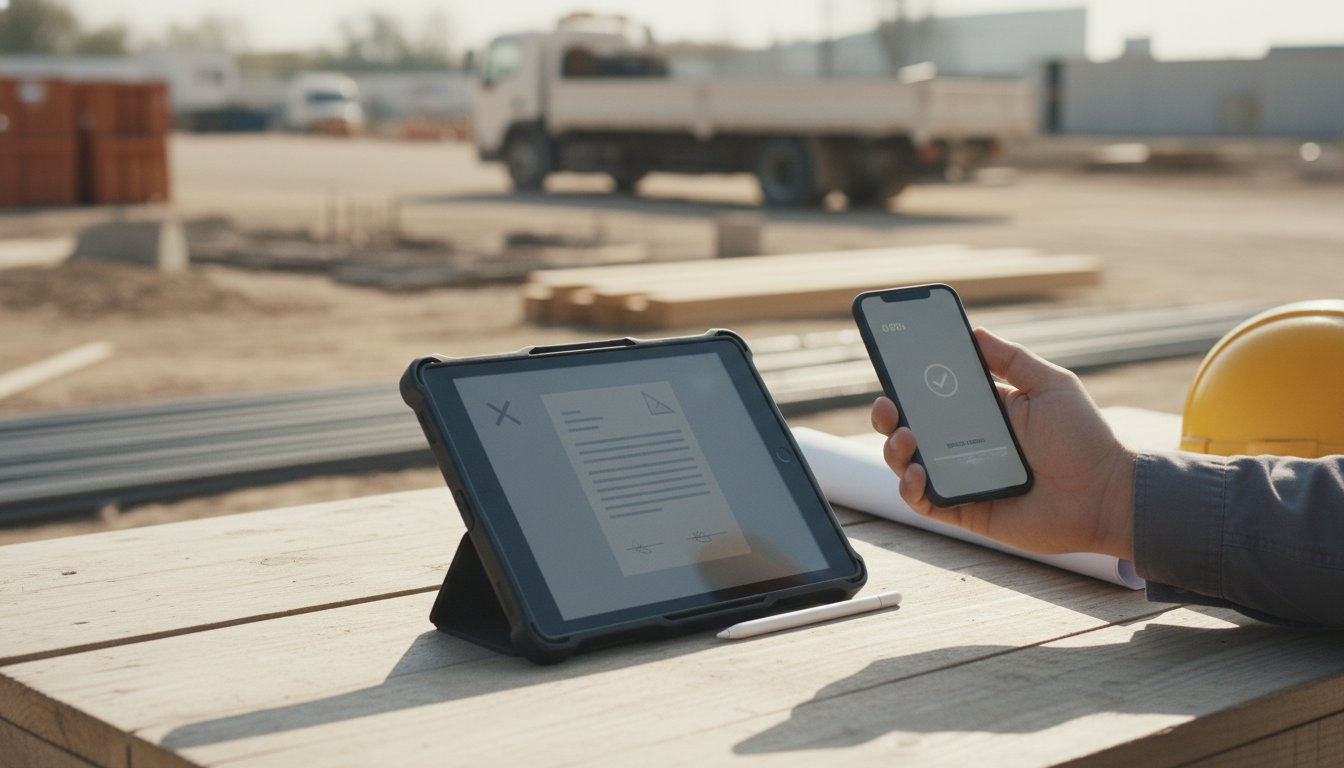
You're three days into a remodel. The customer walks up while you're loading the truck and says, "we decided we want a half-bath on the basement run too — can you handle that?"
You can. The hard part isn't the work. The hard part is the next 90 seconds.
If you start the rough-in on a verbal "yeah let's do it," you've now got a memory dispute waiting to happen. If you go back to the office to type up a change order, print it, and drive it back tomorrow, you've lost a day and the customer has had time to second-guess the price. If you text a number and a description and they reply "ok," you've got a number and a description and a "ok" — none of which lines up with how a court (or a contractor's board) thinks about a signed change order.
Here's the workflow we'd run instead.
That's it. Done in the time it takes to load the next box of fittings.
If you're setting this up the first time, the template that works for most trades is short:
Set this up once. Reuse forever. Most field workflows that go bad go bad because the contractor was rebuilding the document from scratch each time and skipping a field they remembered last time.
Pull the truck up. Open the template. Type the new items — most phone-sized templates can do this in under a minute if the line items are pre-listed (just toggle which apply).
Send the document to the customer's phone. They get a text or email with a link. They tap it, see what you sent, sign with their finger. Submit. Done.
Their signed copy goes back to their email. Yours goes to yours. The signed PDF includes an audit trail showing the exact moment they tapped sign, the IP address, the device — none of which they'll ever look at, but it's there if anything goes sideways.
Now you can order materials. Now the conversation about price is locked. Now if they call back tomorrow and say "I thought you said two thousand, not twenty-five hundred" — the document says twenty-five hundred and they signed it.
The change order isn't really about the legal record. The legal record is the side benefit. The actual reason to send a signed change order before you start the work is that it forces the customer to make the decision, instead of leaving it ambiguous.
People will agree to a half-bath addition in passing while you're loading the truck. They'll want it done. Then they'll see the line items written down, see the new total, and one of two things happens:
The 90 seconds the change order takes saves you from the version where you start the work, finish it, hand over the bill, and the customer says "I never agreed to that price."
If the change adds significant material cost, ask for a deposit before starting. The signed change order can include a deposit line item; the customer pays before you order materials. Different signing services handle this differently — vouch.ink doesn't process payment itself but lets you reference a deposit invoice from your billing tool (Square, Stripe, QuickBooks, whatever) inside the document body.
The same workflow extends past mid-job change orders:
All four use the same pattern: pre-built template, fill in the specifics on the phone, send a link, get it back signed. Five envelopes a month is plenty for most independent trades — and that's our free tier.