How to E-Sign a Lease Renewal Online
Renewing a lease can be simple and fast when done online. Discover the steps to e-sign your next lease renewal without printing or scanning.
Renewing a lease can be simple and fast when done online. Discover the steps to e-sign your next lease renewal without printing or scanning.
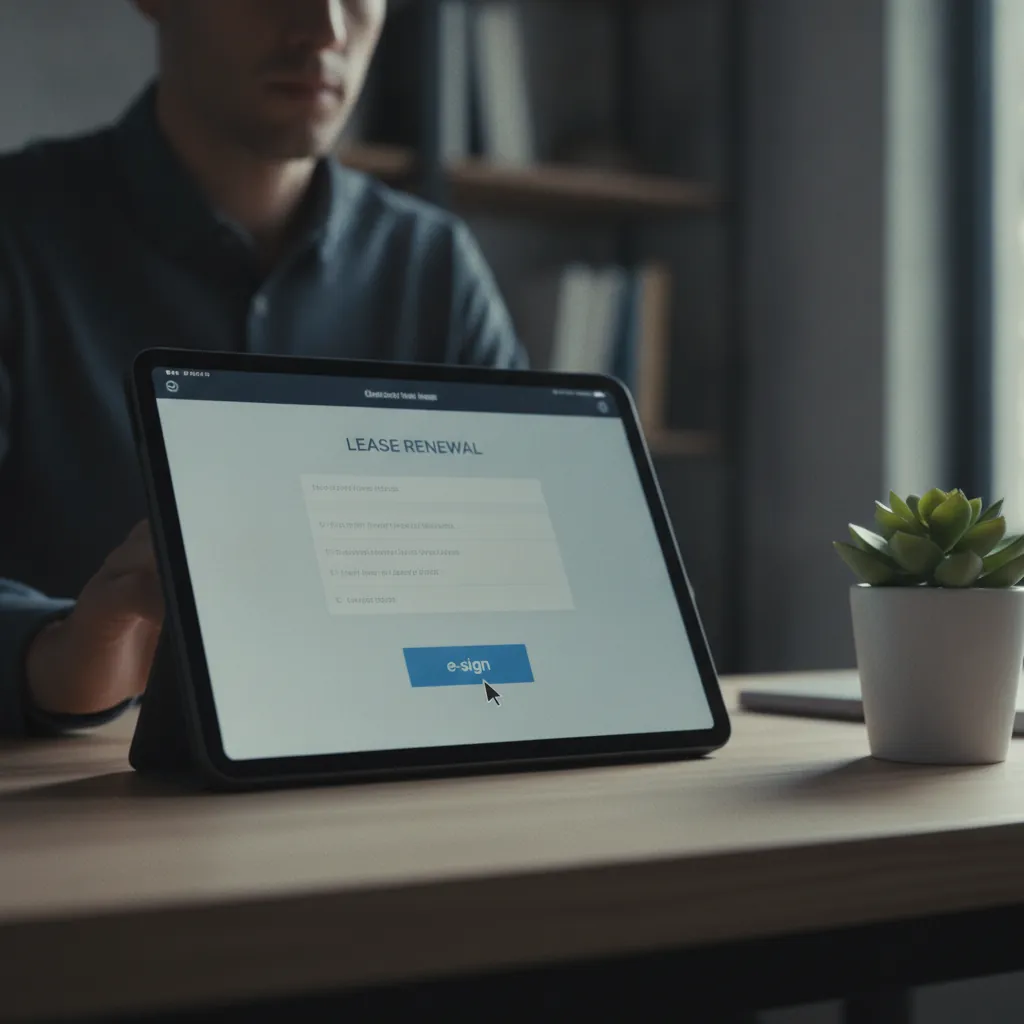
Renewing a lease used to mean a stack of paper, multiple trips to the printer, and the waiting game for signatures. For landlords, solo operators, or small agencies managing a few properties, this process eats up valuable time that could be spent on other parts of your business. The good news is, signing a lease renewal online is not just possible, it is straightforward and legally sound. It frees you from the paper chase and puts efficiency back into your hands.
This guide walks you through the practical steps of using e-signatures for your lease renewals. We will cover everything from preparing your document to understanding the legal backing of digital signatures, all designed to make your workflow smoother and more reliable.
Think about the traditional lease renewal process. You draft the document, print multiple copies, mail them or arrange a meeting, wait for the tenant to review and sign, then collect the signed copies. Sometimes, you need to chase down missing signatures or correct minor errors, which means more printing and more waiting. This cycle repeats for every tenant, every year.
For a small business owner, a freelancer, or a landlord with a handful of units, every minute counts. Time spent on administrative tasks like paper renewals is time not spent on growing your business, finding new clients, or improving your properties. Moving lease renewals online changes this picture entirely.
With e-signatures, the entire process can happen in minutes, not days or weeks. You send the document digitally, the tenant signs electronically from their phone or computer, and you receive the signed copy almost instantly. This approach reduces errors, speeds up the process, and provides a clear, verifiable record of the transaction. It is about working smarter, not harder, especially when your team is small.
Before you send anything out for an electronic signature, you need to prepare your lease renewal document. This step is similar to preparing a paper document, but with a digital mindset.
First, review your current lease agreement and decide on any changes. Will the rent change? Are there new terms or clauses you need to add or remove? Update the dates to reflect the new lease period. Make sure all tenant and landlord information is current and accurate.
Once your content is finalized, save the document as a PDF. PDF is the standard format for digital documents because it preserves formatting across different devices and operating systems. Most word processors, like Microsoft Word or Google Docs, allow you to save or export your document directly as a PDF.
Next, identify where signatures, initials, and dates are needed. Think about all parties involved: you as the landlord or agent, and each tenant. Each person will need their own designated spot to sign. Having a clear idea of these spots will make placing the signature fields in your e-signature software much quicker. A well-prepared PDF makes the digital signing process quick and painless for everyone involved.
Not all e-signature tools are created equal. When you are dealing with legal documents like lease renewals, picking the right platform is important. You need a tool that is easy to use, legally compliant, and provides a clear audit trail.
Many options exist, but some come with high subscription fees that can add up quickly for small businesses. Look for platforms that offer a free plan or a very affordable entry point, especially if you only need to send a few documents each month.
What should you look for specifically?
For many solo operators and small teams, a solution like vouch.ink fits the bill. It offers free e-signatures with a hash-chained, ESIGN/UETA-compliant audit trail on every plan. This means you get the legal backing and security without the high cost. You can learn more and get started at https://vouch.ink/.
Once your document is ready and you have chosen your e-signature tool, sending the lease renewal for signature is a straightforward process. Here is how it generally works:
The process is designed to be intuitive, allowing you to get your lease renewals out quickly and without fuss.
After your tenants (and you, if applicable) have signed the lease renewal electronically, the e-signature platform completes the process. You will receive a notification, usually an email, confirming that the document is fully signed. Each signer also receives a copy of the completed document for their records.
The most important part of this stage is the audit trail. A reliable e-signature service, like vouch.ink, generates a detailed record of the entire signing process. This audit trail is not just a simple log. It is a comprehensive document that includes:
This audit trail is your proof of signature. If there is ever a question about the validity of a signature or the terms of the agreement, this record stands as strong evidence. It protects you and your tenants by providing an unchangeable history of the transaction. You can download and store this audit trail alongside your signed lease renewal document for your records.
This is a common and important question for anyone considering moving legal documents online. The short answer is yes, an e-signed lease renewal is absolutely legally sound, provided it meets certain criteria.
In the United States, the primary laws governing electronic signatures are the ESIGN Act (Electronic Signatures in Global and National Commerce Act), passed in 2000, and the Uniform Electronic Transactions Act (UETA). The UETA has been adopted by 49 states, the District of Columbia, Puerto Rico, and the U.S. Virgin Islands (New York has its own similar law, the Electronic Signatures and Records Act, or ESRA).
These laws establish that electronic signatures have the same legal validity as traditional wet ink signatures, as long as specific conditions are met:
A good e-signature platform, like vouch.ink, is built with these legal requirements in mind. It provides the necessary consent disclosures, captures the signer's intent, and creates a detailed, tamper-proof audit trail that satisfies the attribution and record retention requirements. This means you can confidently use e-signatures for your lease renewals, knowing they hold up in a court of law.
Once you have completed your first online lease
Yes, e-signatures are legally binding in many countries, including the United States under the ESIGN Act and UETA. This means an e-signed lease renewal holds the same legal weight as one signed with a pen, provided certain conditions are met, such as consent to transact electronically and proper attribution. There are over 100 countries that recognize e-signatures.