How to e-sign a PDF on iPhone in under a minute
Three taps from inbox to signed. Here's the workflow that fits between two emails.
Three taps from inbox to signed. Here's the workflow that fits between two emails.
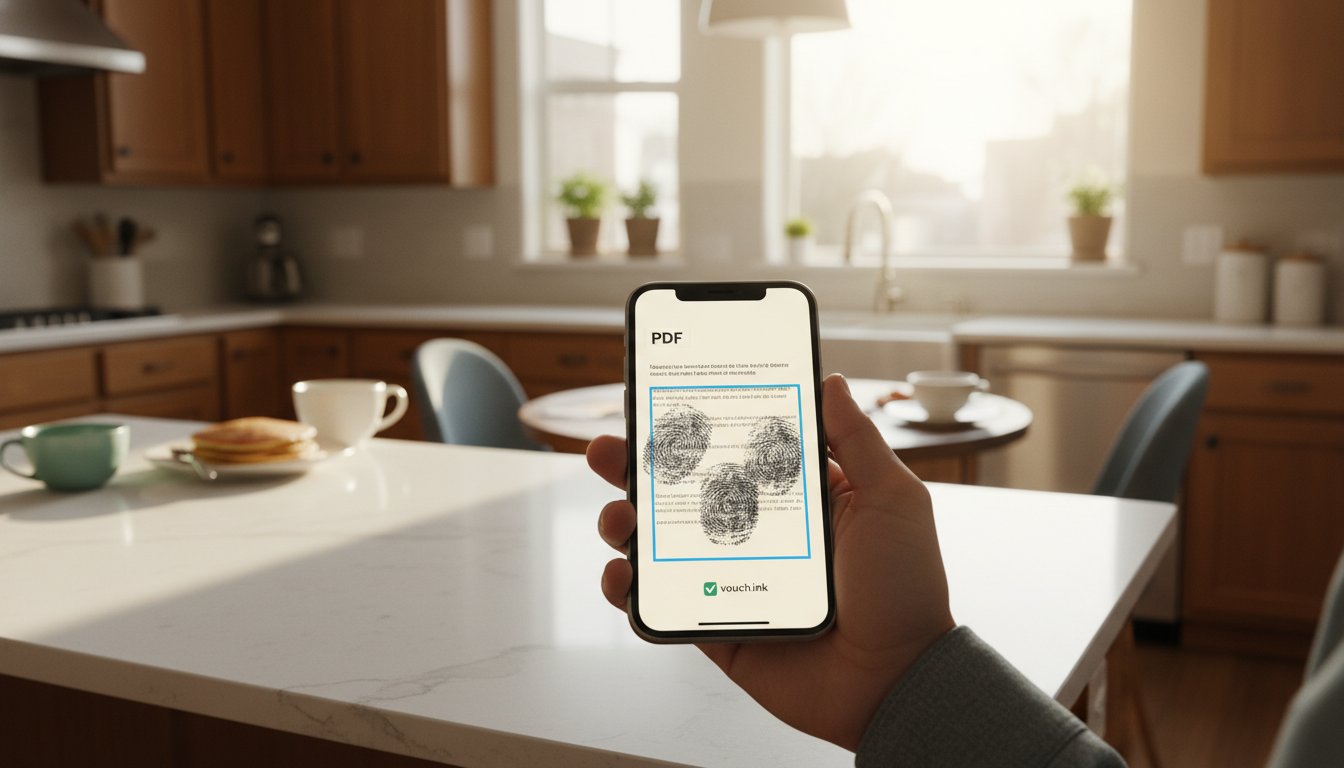
You opened the email at a stoplight. The contract attachment is sitting there. You don't have a printer, you don't have your laptop, and the other side wants this signed today.
Here's how to do it on the iPhone you're already holding, in under a minute, without printing or scanning anything.
That's the whole thing. The signed PDF gets emailed back to whoever sent it; you'll get a copy too, plus an audit trail attached. Total time: 30-50 seconds in our testing.
When you open the signing link on iPhone, three things happen automatically that you don't have to think about:
When all required fields are filled, the "Submit" button enables. Tap it. You're done.
You can sign with your finger, or with a stylus, or by typing your name. All three work. Typing produces the cleanest result on small phone screens. If you're worried about how it looks, type — the audit trail captures the same evidence either way.
You don't need an account. Recipients sign through a magic link in the email. The first time someone signs through vouch.ink, they often expect a "create account to sign" wall. There isn't one. Tap link, sign, done.
It works in landscape. If you flip the phone sideways, the signing fields get bigger. Worth doing if you're trying to draw a clean signature with your finger.
If the sender used vouch.ink, the message includes a "Resend signing link" option. If they used a service that doesn't, you can usually find the link by searching your inbox for the document name plus the word "sign." Failing that, ask the sender to resend — most signing tools have a one-click resend button.
The document you sign on your phone has the same legal weight as one you'd sign with a pen on paper, in nearly all routine business contexts. (We're being deliberately vague here; specific document types — wills, court filings, real-estate transfers — sometimes have additional requirements, and your situation may differ. When in doubt, ask a lawyer who knows your jurisdiction.)
The audit trail attached to the signed PDF records the exact moment you tapped sign, the IP address you tapped from, and the device you used. That's the part that holds up — not the prettiness of the signature.
If you're on the sending side of this — landlord sending a lease, contractor sending a change order, photographer sending a wedding contract — vouch.ink lets you do it from your phone too, in about the same time as it takes to text. We made it so the whole loop fits inside a stoplight pause, on both sides.