How to Legally Sign PDFs for Free with Vouch.ink
Learn how to add legally valid signatures to your PDF documents without spending money. This post details the straightforward process using Vouch.ink.
Learn how to add legally valid signatures to your PDF documents without spending money. This post details the straightforward process using Vouch.ink.
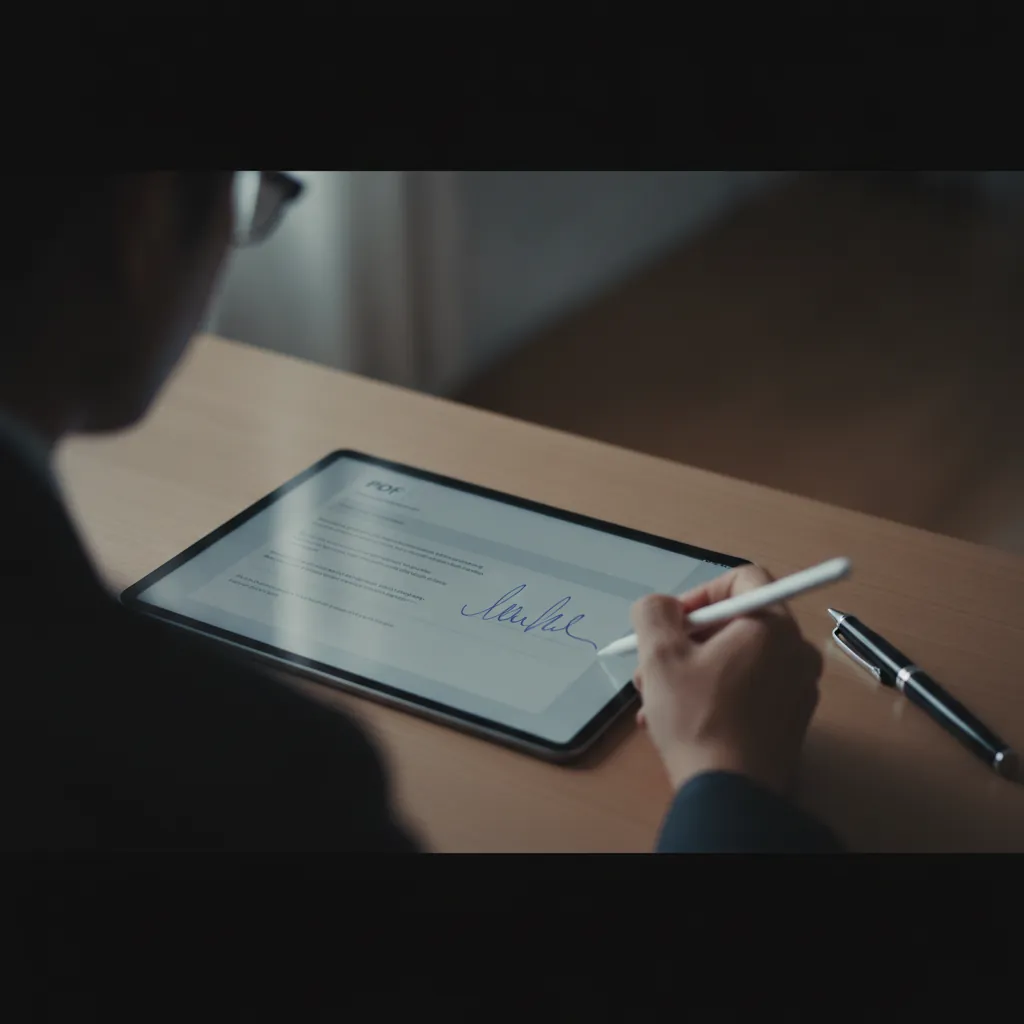
Getting a document signed used to mean a trip to the printer, finding a pen, signing, and then scanning it back to your computer. For solo operators and small teams, that whole process eats up valuable time. Time you could spend on client work, building your business, or just taking a break. When you need a client to approve a quote, a tenant to sign a lease, or a contractor to agree to terms, waiting for paper to move back and forth slows everything down.
The good news is, you can make a PDF legally signable without spending money on expensive software. This isn't just about slapping an image of your signature onto a document. It's about creating a verifiable, legally sound agreement that holds up. Let's walk through how to do it.
Think about the last time you needed a signature on a document. Maybe it was a service agreement for a new client, a change order for a remodeling project, or a non-disclosure agreement for a new vendor. For many years, the standard procedure looked something like this:
This manual loop isn't just slow. It introduces opportunities for errors, documents getting lost, or simply delays that hold up your work. It's a workflow that belongs in the past, especially when you're trying to run an efficient operation.
Before we talk about making a PDF signable, it's important to understand what makes any signature, digital or physical, legally binding. It's not just about the squiggle itself. In the United States, the Electronic Signatures in Global and National Commerce (ESIGN) Act and the Uniform Electronic Transactions Act (UETA) lay out the ground rules.
These acts generally state that an electronic signature is as valid as a handwritten one if a few conditions are met:
The last point, record retention, is where many simple "free PDF editors" fall short when it comes to legal standing. They might let you draw a signature, but they often don't provide the underlying audit trail that proves who signed, when, and how. This audit trail is crucial for proving the validity of the signature if there's ever a dispute.
Yes, you absolutely can make a PDF legally signable for free. However, there's a distinction to make. Many free PDF tools let you add a visual representation of a signature to a document. You can draw it with your mouse, type it, or upload an image of your handwritten signature. For very informal documents where legal weight isn't a concern, this might be enough.
But when you need a signature that stands up in court, or one that provides clear proof of agreement, you need more than just a picture. You need the backend data that confirms the signature's authenticity, its connection to the signer, and the context of the signing event. This is where dedicated e-signature platforms come in.
The good news is that many reputable e-signature services, including vouch.ink, offer free plans that provide this level of legal compliance. They don't just add a signature; they build an audit trail that meets ESIGN and UETA requirements. This means you get the legal backing without the cost.
Let's say you just need to put your name on a document for an internal memo or a casual agreement where legal scrutiny is unlikely. Many PDF viewers and editors offer basic signing features.
For example, Adobe Acrobat Reader, which is free, allows you to "Fill & Sign" PDFs. You can type your name, draw a signature with your mouse, or upload an image of your signature. Other online PDF editors also offer similar functions.
Here's how that usually works:
This method is quick and convenient for simple tasks. However, it lacks the critical audit trail. It doesn't record the IP address, the time of signing, or other data points that prove who signed it and when. If you're dealing with contracts, agreements, or anything that could lead to a dispute, this basic approach isn't enough to make the PDF legally signable in a way that offers real protection.
When you move from basic PDF editors to a dedicated e-signature tool, you're not just getting a prettier signature. You're getting a system built from the ground up to create legally binding agreements. The difference lies in the details, specifically the audit trail.
A dedicated e-signature platform, like vouch.ink, records a lot more than just the visual signature. For every document signed, it collects data points that form a verifiable chain of custody:
This collection of data creates a comprehensive audit trail. If there's ever a question about the validity of a signature, this trail provides objective evidence. It shows that the signer received the document, viewed it, and intentionally applied their signature, and that the document itself remained unchanged. This is what ESIGN and UETA compliance really depend on.
For solo operators and small teams, this means peace of mind. You can send contracts, agreements, and proposals knowing that the signatures you receive are legitimate and legally sound. You don't have to worry about the expense, because platforms like vouch.ink offer free plans that include this critical functionality. You get the same legal backing as larger companies, without the hefty price tag.
Getting started with a truly legally signable PDF using a free e-signature service is straightforward. Let's use vouch.ink as an example, since it offers the compliant audit trail you need on every plan, including the free one.
Here's a step-by-step process:
Vouch.ink will then send an email invitation to your signers. They'll click a link, review the document, and apply their signature electronically. The system records all the necessary audit trail data in the background. Once all parties have signed, you and your signers will receive a final, signed PDF along with the complete audit trail document. This process makes your PDF legally signable, free of charge, and gives you the confidence that your agreements are solid.
You can learn more about the different plans and what they offer at https://vouch.ink/pricing. Even the free plan includes the hash-chained, ESIGN/UETA-compliant audit trail, which is what gives your signatures legal weight.
Making your PDFs legally signable doesn't have to be complicated or expensive. By choosing the right tools, you can streamline your workflow, protect your business, and focus on what you do best.
Q: How many key elements make an e-signature legally binding under ESIGN and UETA? A: Generally, there are at least 3 key elements: intent to sign, consent to do business electronically, and clear attribution of the signature to the person.
Q: How long does it typically take to upload a PDF and set up signature fields on a platform like Vouch.ink? A: For a standard document with a few signature fields, the setup process often takes under 5 minutes from upload to sending.
Q: How many federal laws govern e-signatures in the United States? A: There are two main federal laws: the ESIGN Act and the UETA, which applies in 49 states, Washington D.C., Puerto Rico, and the U.S. Virgin Islands.
Q: How many data points are typically collected in an e-signature audit trail to prove authenticity? A: A audit trail can collect over 10 distinct data points, including timestamps, IP addresses, email addresses, and document hash values.
Yes, many free digital signature methods can be legally binding, especially when they comply with regulations like the ESIGN Act or eIDAS. Vouch.ink's process helps create valid signatures in 1 simple step.